


1
Head to a free Wi-Fi spot.


This website is scheduled to be renewed on Friday, February 27, 2026.
Accordingly, the website address will be changed as follows:
■ New Address
https://wi-fi.metro.tokyo.lg.jp/en/
The current website is scheduled to close on Tuesday, March 31, 2026.
Even if you access the current address, you will be automatically redirected to the new address until Wednesday, March 31, 2027.
If you have added this site to your “Favorites” or “Bookmarks,” we kindly ask you to update it to the new address.
Head to a free Wi-Fi spot.
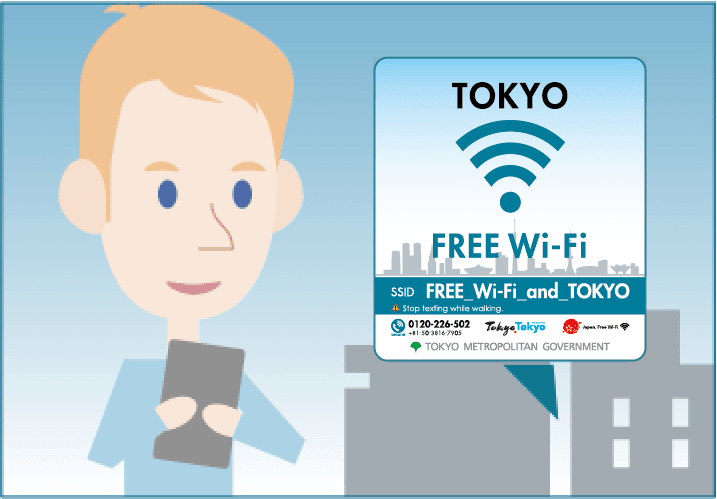

Tap "Settings" on your smartphone or other mobile device.

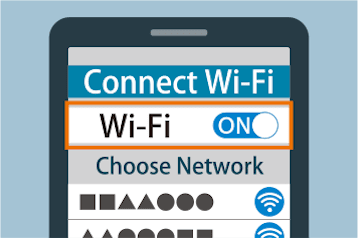
Tap "Wi-Fi", and turn it to "ON".
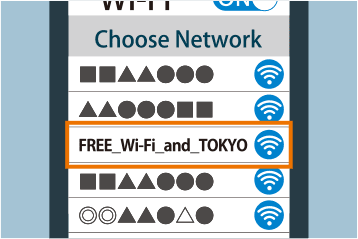
Choose the "FREE_Wi-Fi_and_TOKYO" from the network list.
Launch your Web browser and open a website.

The web portal for this service will be displayed. Select your registration method.
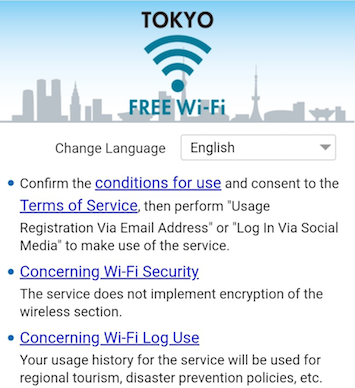
Indicate your agreement to the "Terms of Use" and the "Wi-Fi Security" section and enter your email address. You will then be provisionally registered.
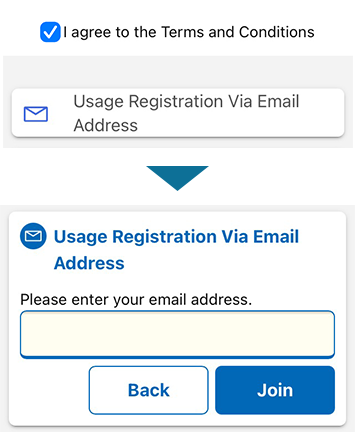
An e-mail containing a URL to complete your registration will be sent to the e-mail address you registered.※ Please ensure you are able to receive e-mails from the domain given below.
@wifi-tokyo.jp※ You can still receive e-mail even before you connect online.

Tap the URL contained in the e-mail to complete your registration.※ Please complete registration within 10 minutes. If the URL is not utilized within 10 minutes of being received, it will become invalid.
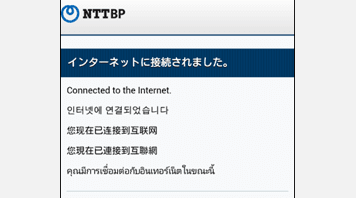
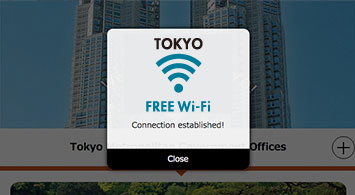
 Connection established!